 PackLift
Free
$0 / month
3 active offers
- 3 active offers
- Quantity breaks
- Product bundles
- Cart add-ons
- Widget styling (6 presets)
- Offer previews
- Attributed analytics
- Offer Health Check
Create offers, preview the widget, and run health checks before customers see anything. Discounts apply at checkout with Shopify Functions — no revenue share.
Free plan available · Flat pricing, no revenue share · Preview & health checks before publish · View on Shopify App Store
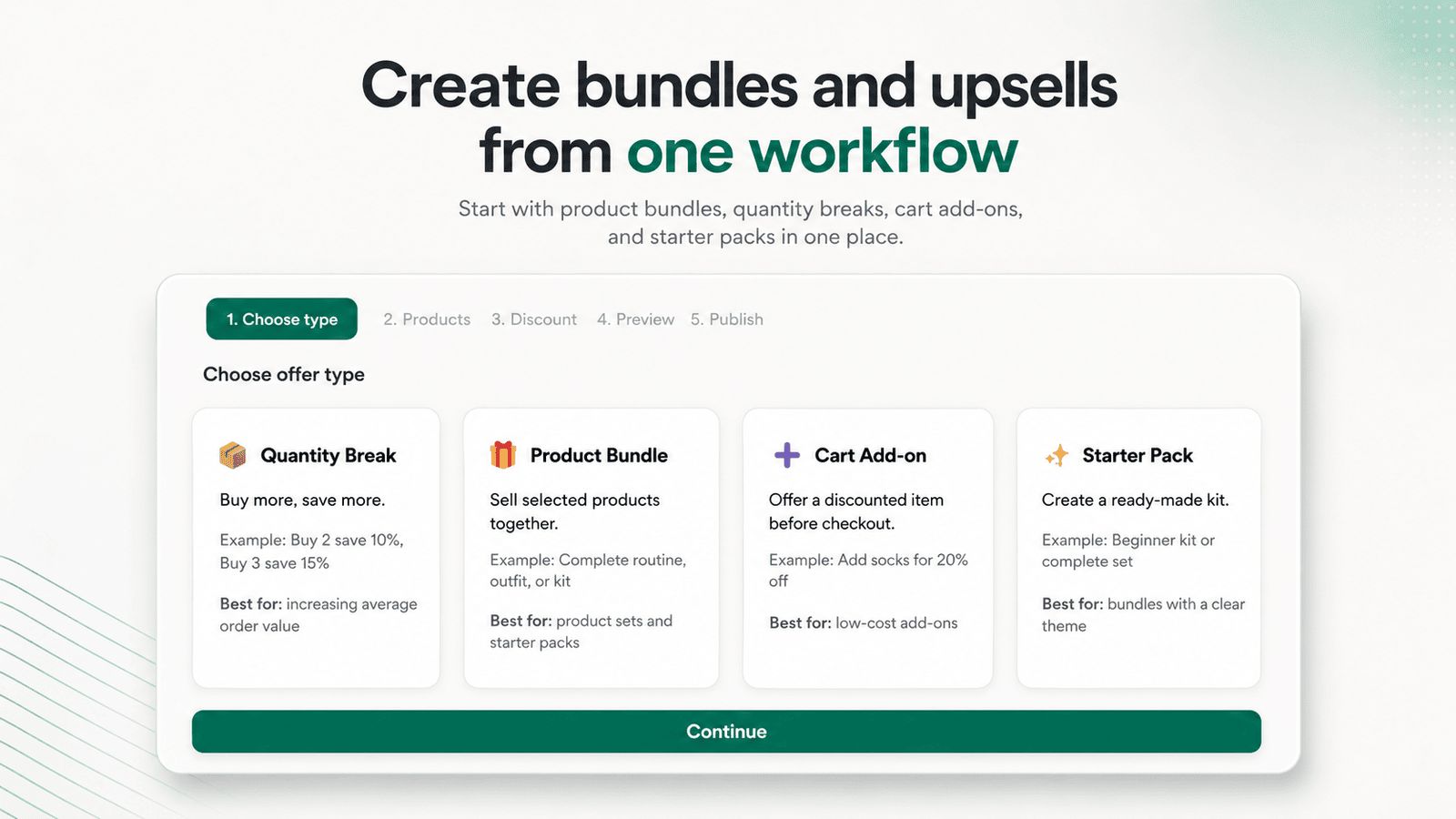
One workflow from offer type to publish — with previews and health checks built in.
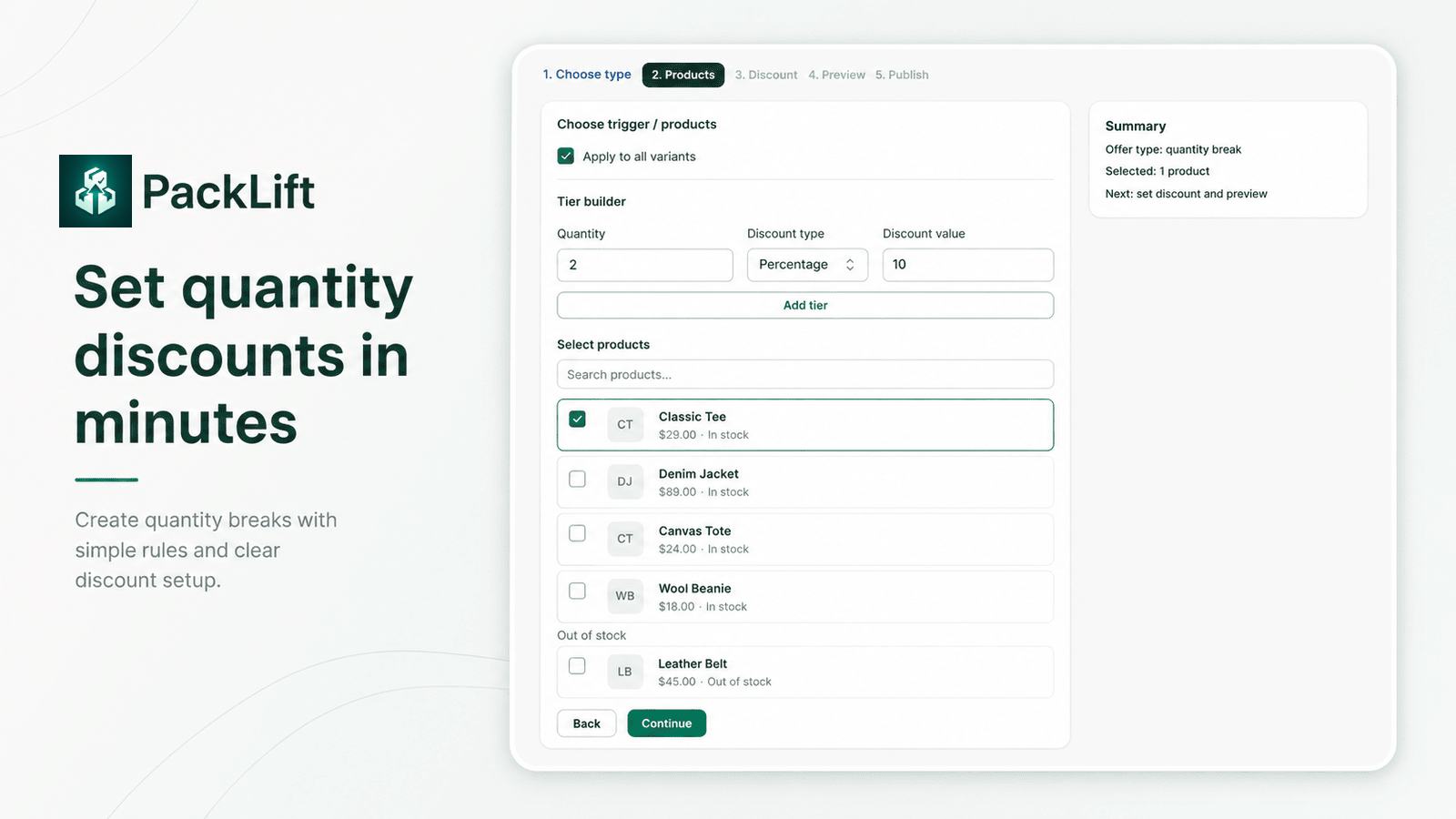
Build tiered quantity breaks with simple rules. Choose products, set discount tiers, and preview before you publish.
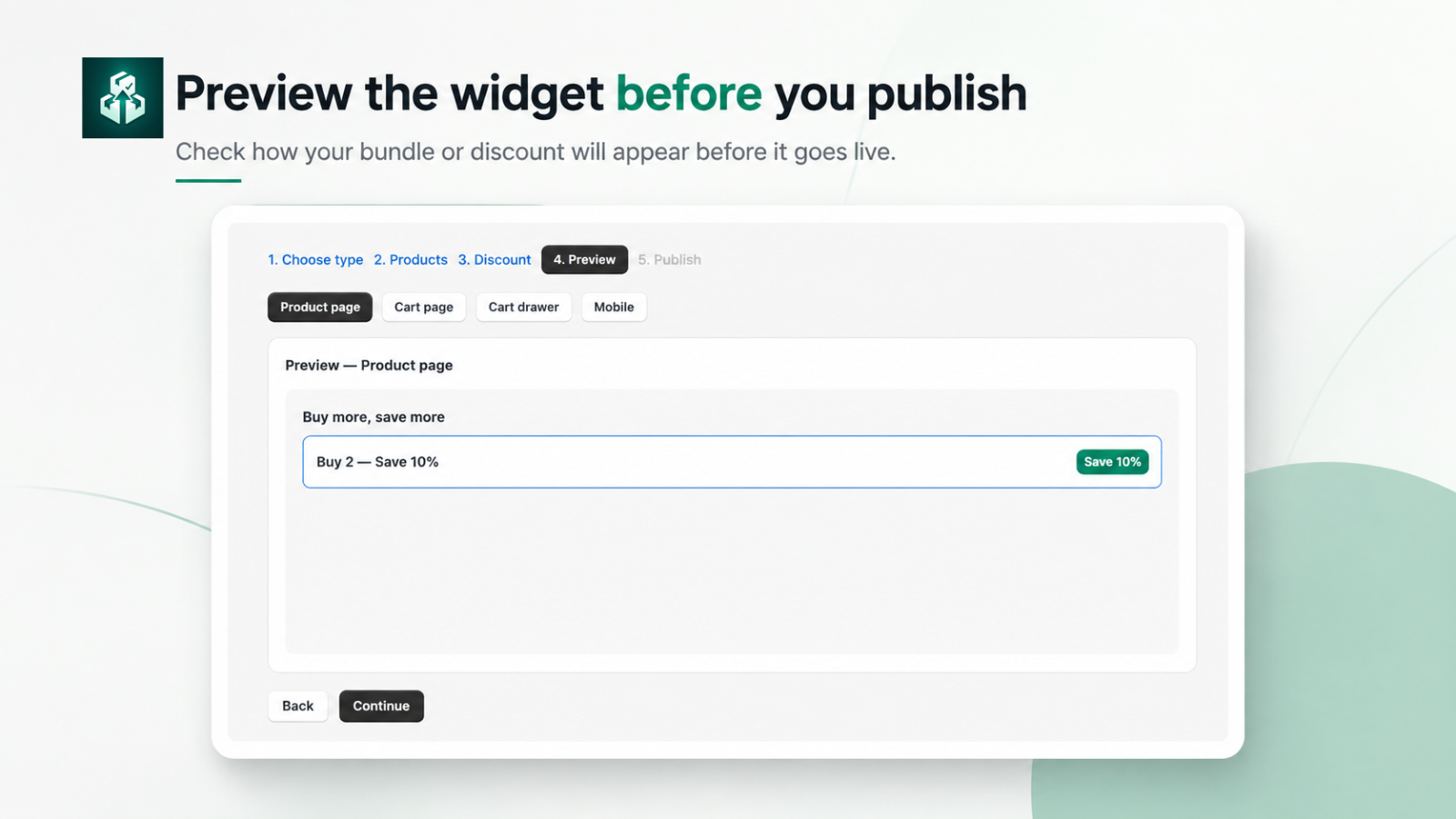
See bundles and discounts on product pages, cart pages, cart drawers, and mobile layouts before customers do.
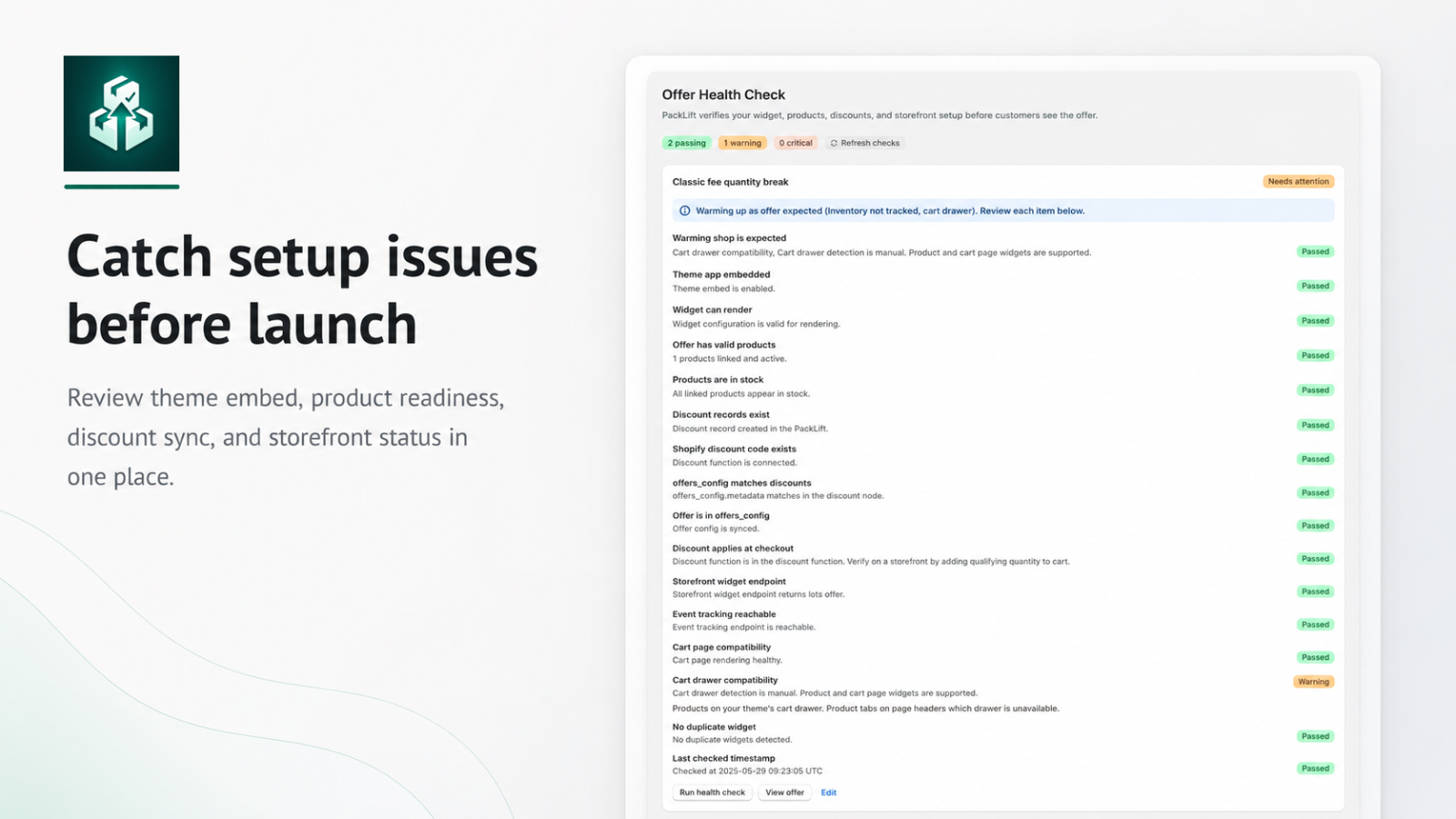
Review theme embed, product readiness, discount sync, and storefront status in one health check panel.
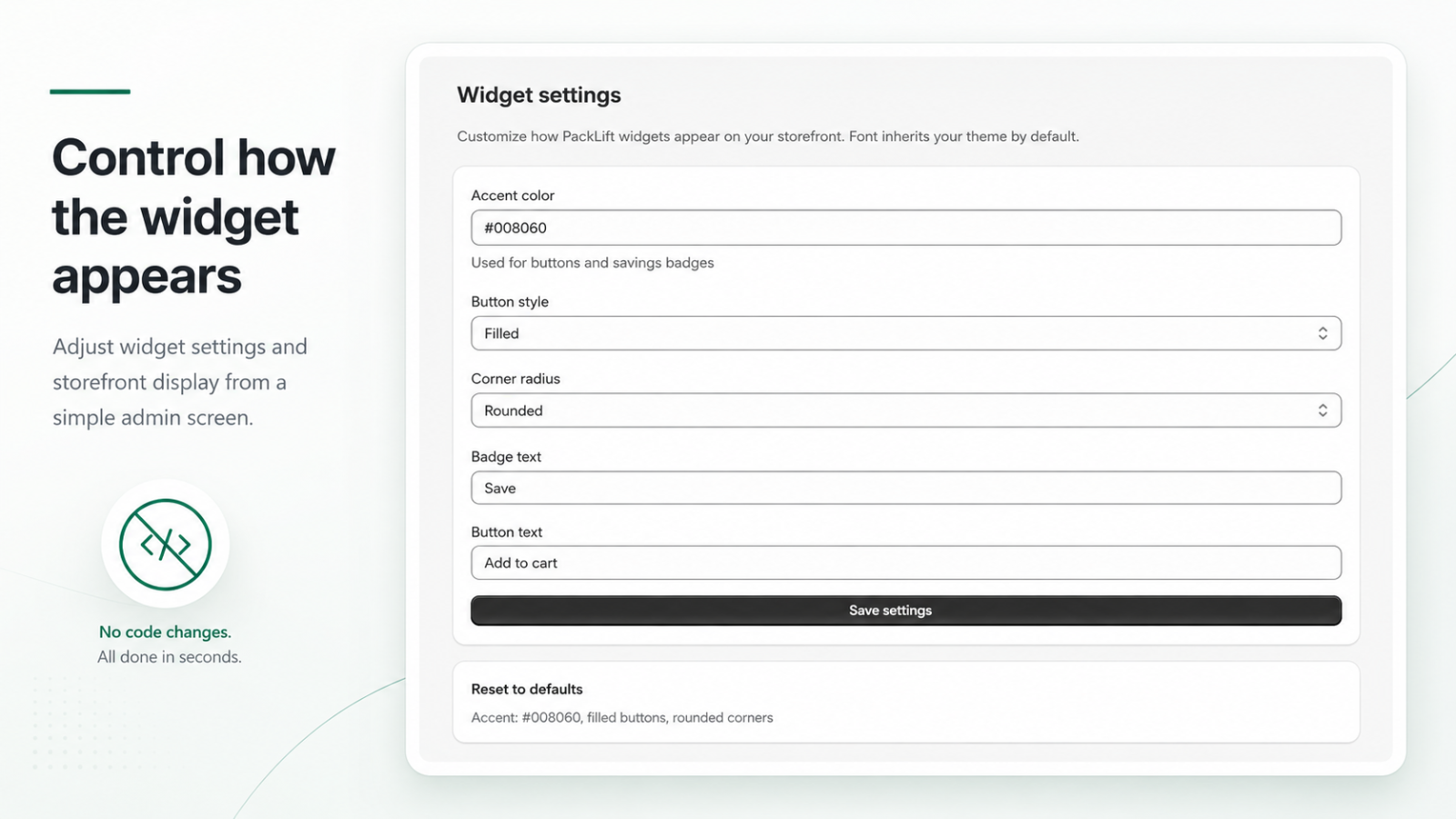
Accent color, button style, corner radius, and badge text — no theme code edits.
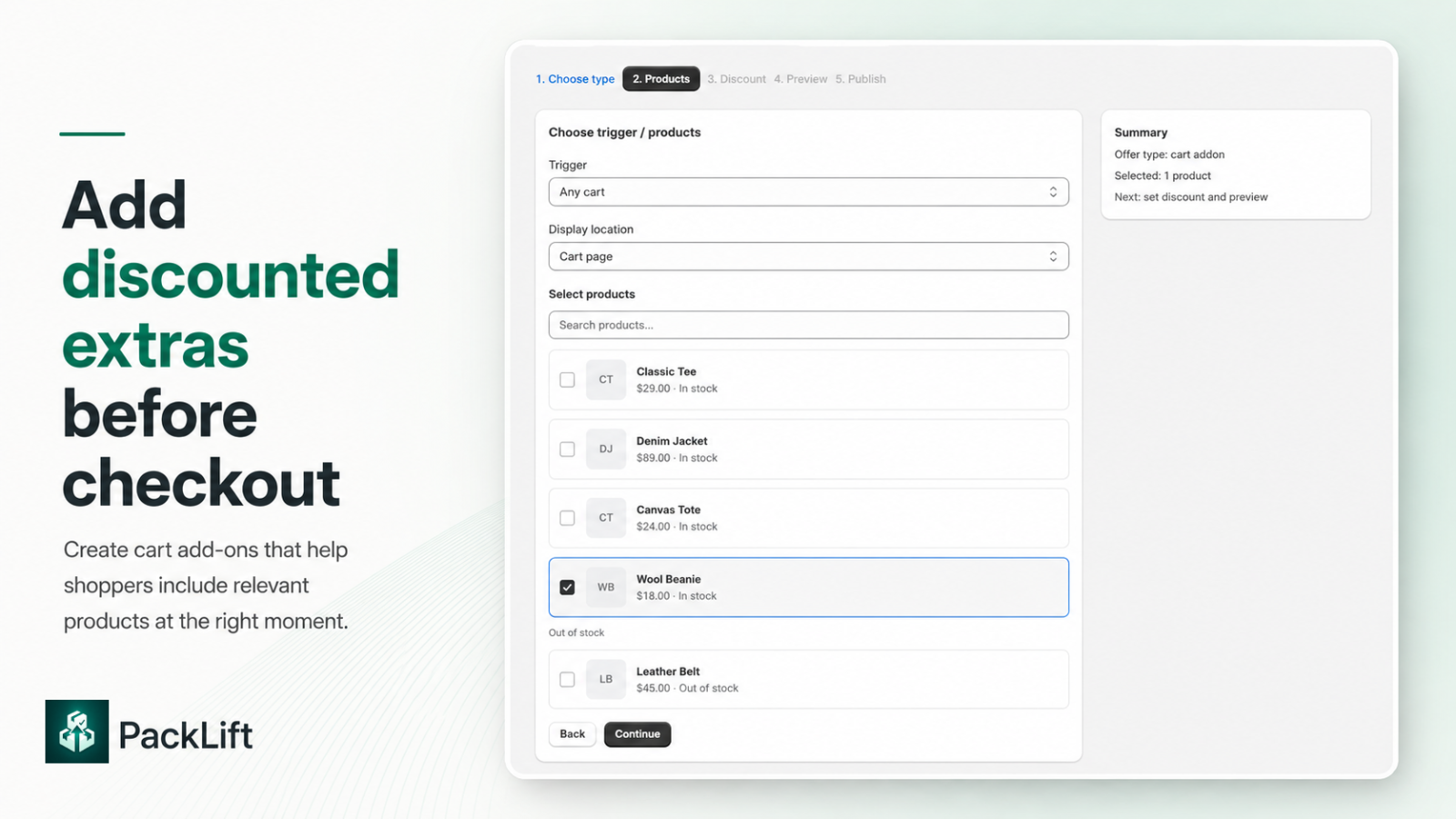
Cart add-ons with discounts on the add-on line only.
Three steps from setup to a live storefront widget.
Pick quantity break, bundle, cart add-on, or starter pack. Select products and configure discounts.
Preview on product and cart layouts, then publish to sync discounts and storefront config.
Confirm theme embed, discount sync, and storefront setup before customers see the offer.
Flat monthly plans billed through Shopify. No revenue share. No attributed-revenue caps. View full pricing →
No revenue share. No attributed-revenue caps.
$0 / month
3 active offers
$4.99/month
20 active offers
$9.99/month
Unlimited
Starter is $4.99/month and Pro is $9.99/month through Shopify. Shopify charges only after you approve the charge in Admin.
No. PackLift uses flat monthly pricing only. Plans are limited by active offers, not by how much extra revenue the app attributes.
An offer that is published and visible on your storefront. Drafts do not count.
No. Enable the PackLift theme app embed. Place the offers block as its own row below price, variant, and quantity and above Add to cart.
Through Shopify Functions at checkout. Shoppers see savings on the widget. The discount is applied when they check out.
PackLift includes a Free plan. You can upgrade or downgrade any time through Shopify billing. A paid plan starts only after you approve the charge.
Open PackLift in the Shopify App Store to install it on your admin.